


In-game screenshots
Select an image to view it at full size in a new tab.
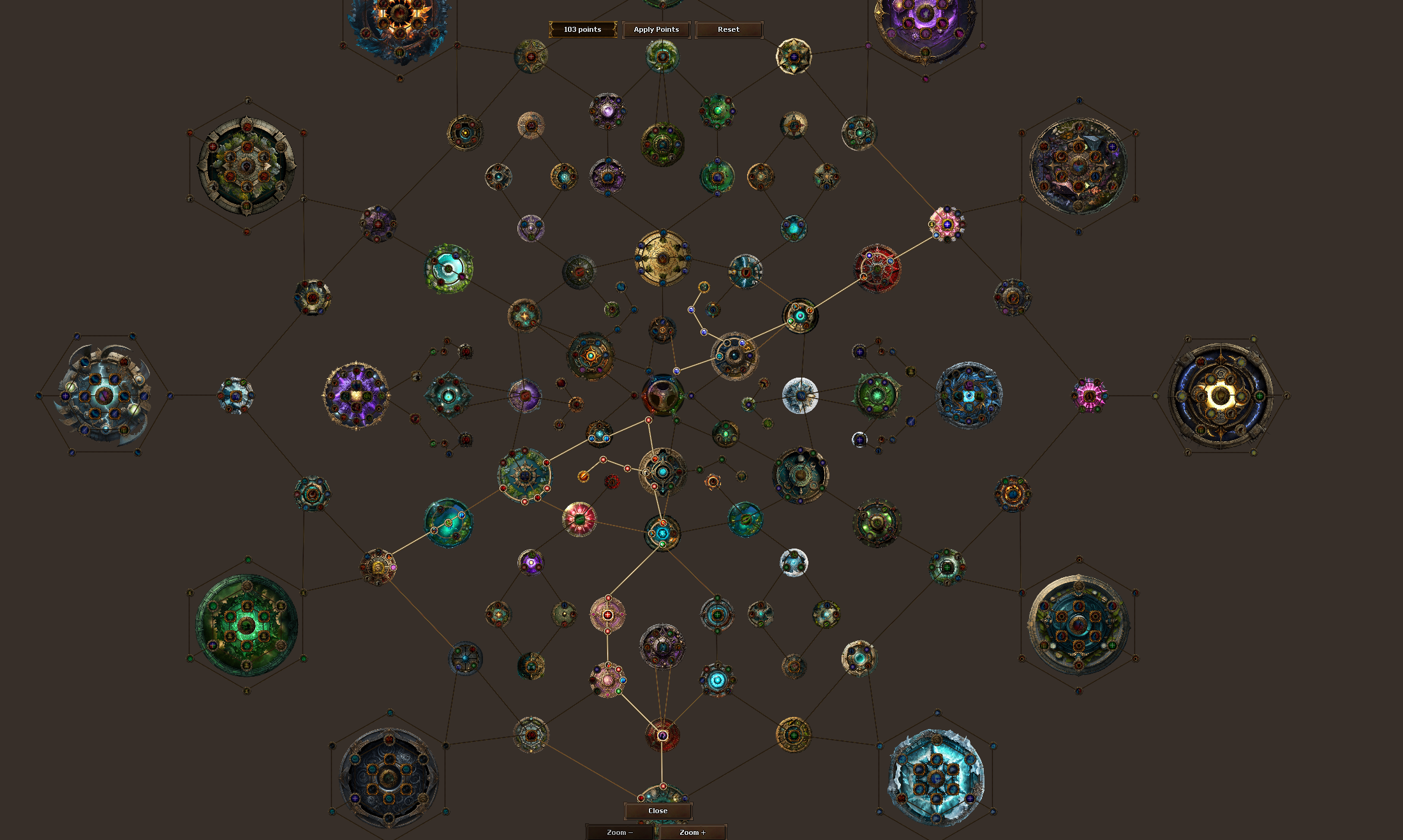
How to get started
- Open Passive Tree in the client.
- Inspect a node and its listed effect, connections and purchase requirements.
- Choose a valid node and confirm the allocation.
- Review your allocated nodes before planning the next part of your build.
Rules & useful details
- A permanent allocation costs a passive point in the configured allocation flow.
- Other operations can have level-based costs. Read the confirmation rather than assuming every node action is free.
- This tree is separate from Wheel of Destiny and the guild defender trees.
Guide based on Beretha's configured systems. Check the current in-game offer or confirmation for the cost and requirements of a specific action.