


In-game screenshots
Select an image to view it at full size in a new tab.
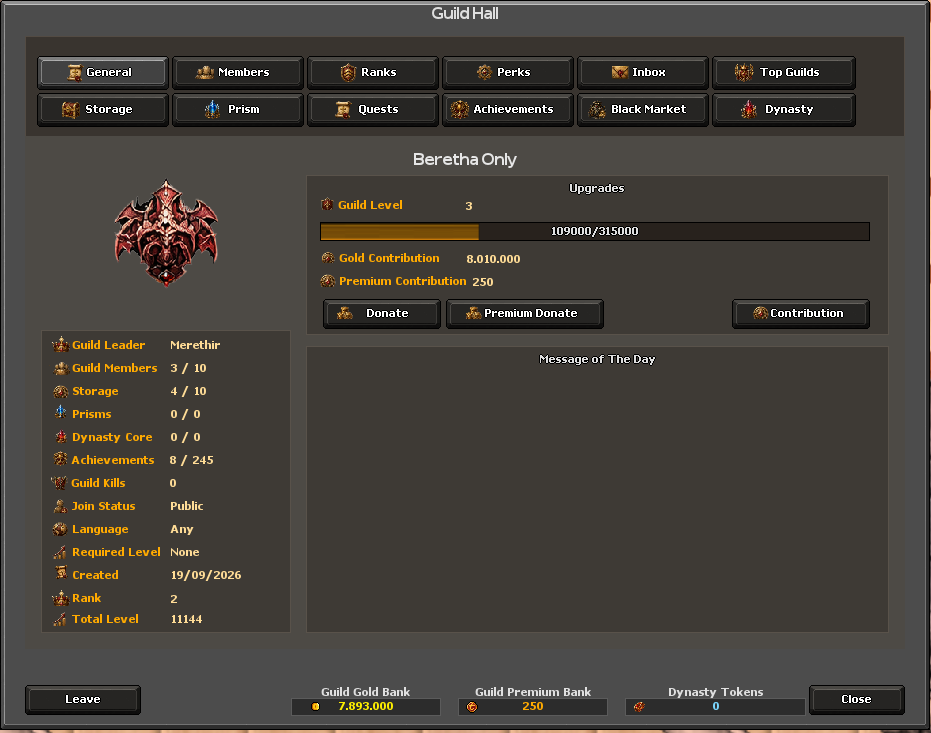
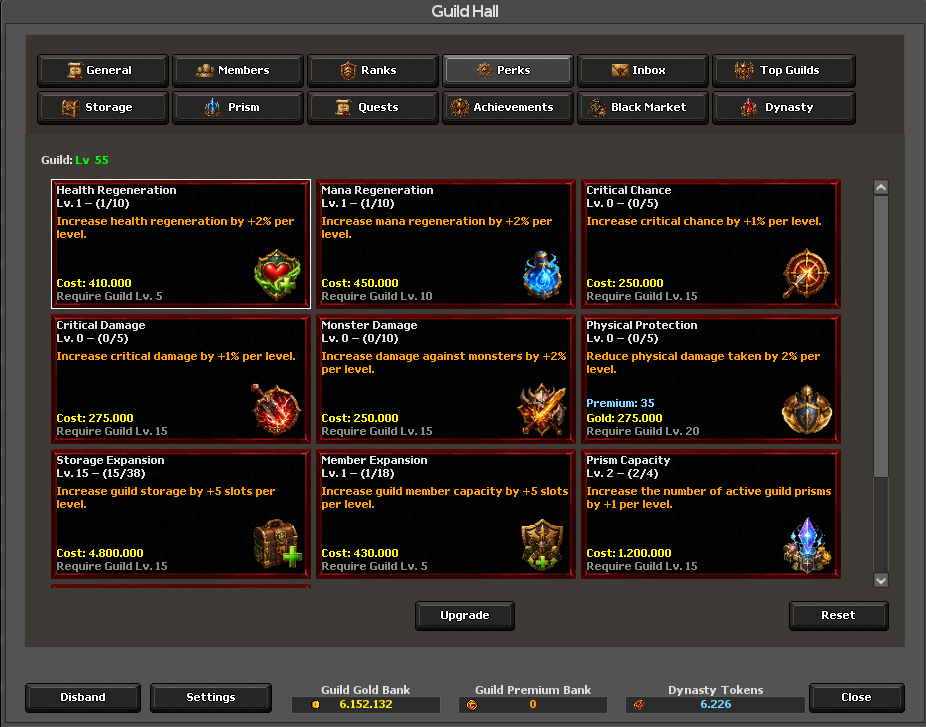
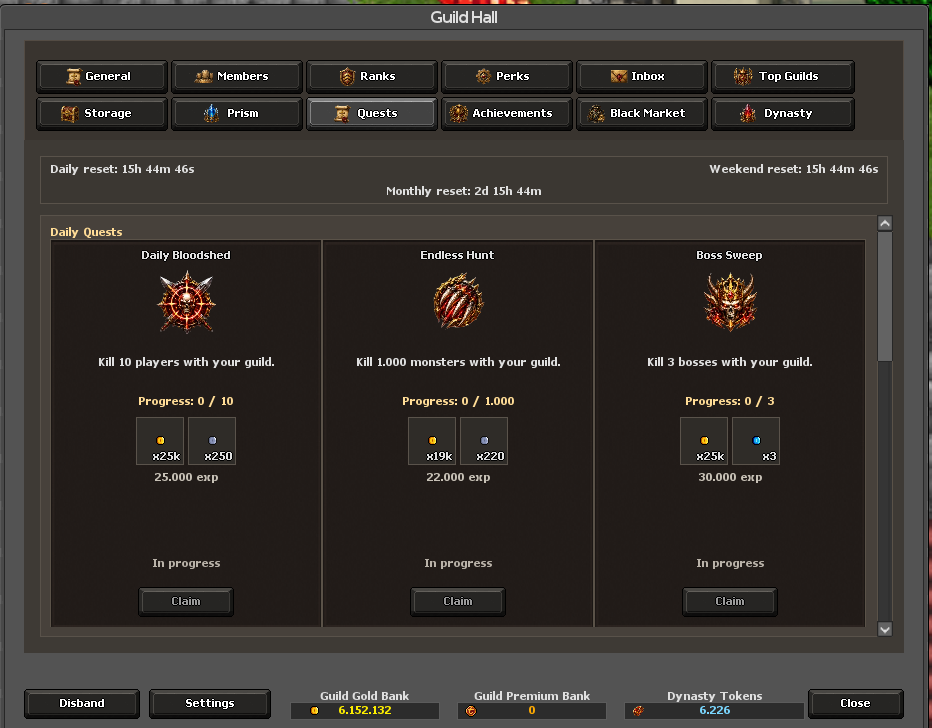
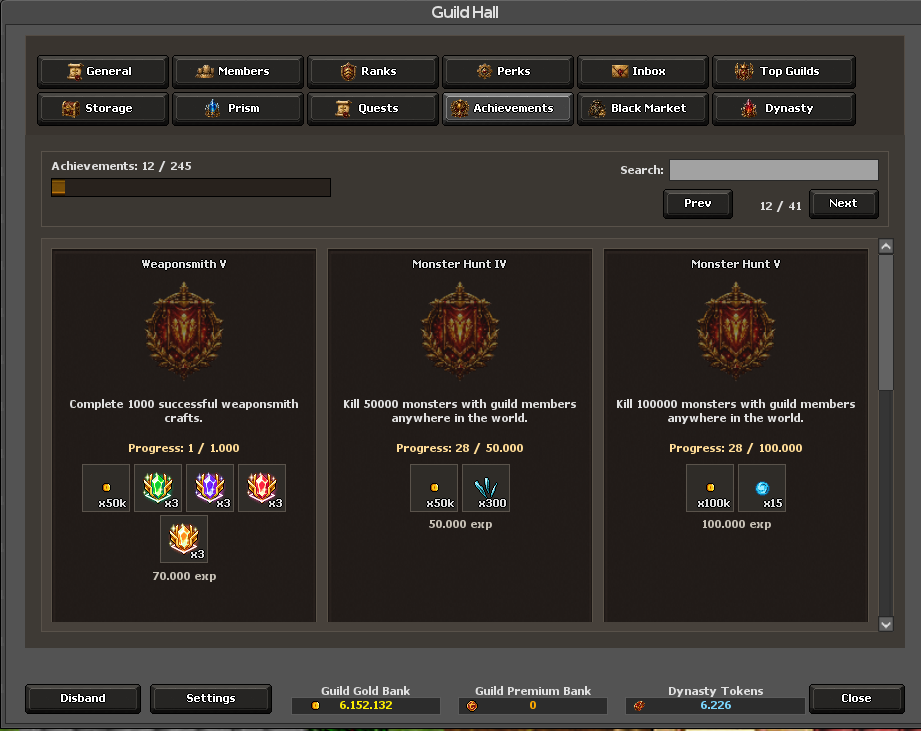
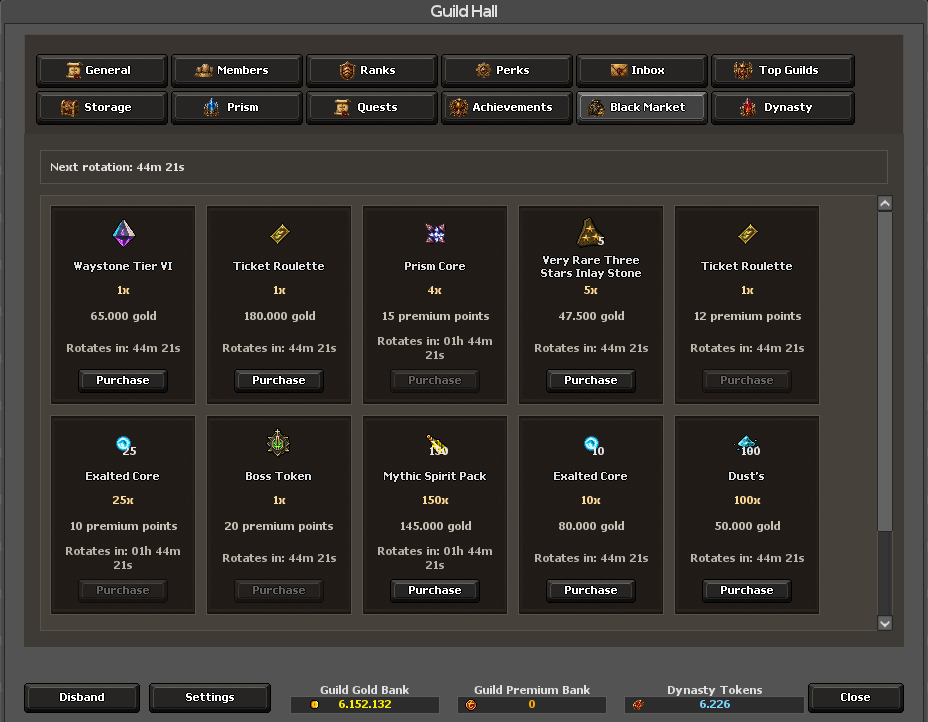
How to get started
- Join a guild and open Guilds in the client, or press Ctrl+Shift+G.
- Review the hall panels, available quests, perks and shared resources.
- For prism or Dynasty content, check the placement or attack requirements and coordinate with guild members.
- Follow the battle-area rules and use the appropriate collection or reward controls afterward.
Rules & useful details
- Some actions require a guild rank or specific resources.
- Prism battles enforce their combat area; leaving it can remove a participant.
- Dynasty collection has a configured waiting period, so placing a core does not immediately grant its full return.
Guide based on Beretha's configured systems. Check the current in-game offer or confirmation for the cost and requirements of a specific action.