


In-game screenshots
Select an image to view it at full size in a new tab.
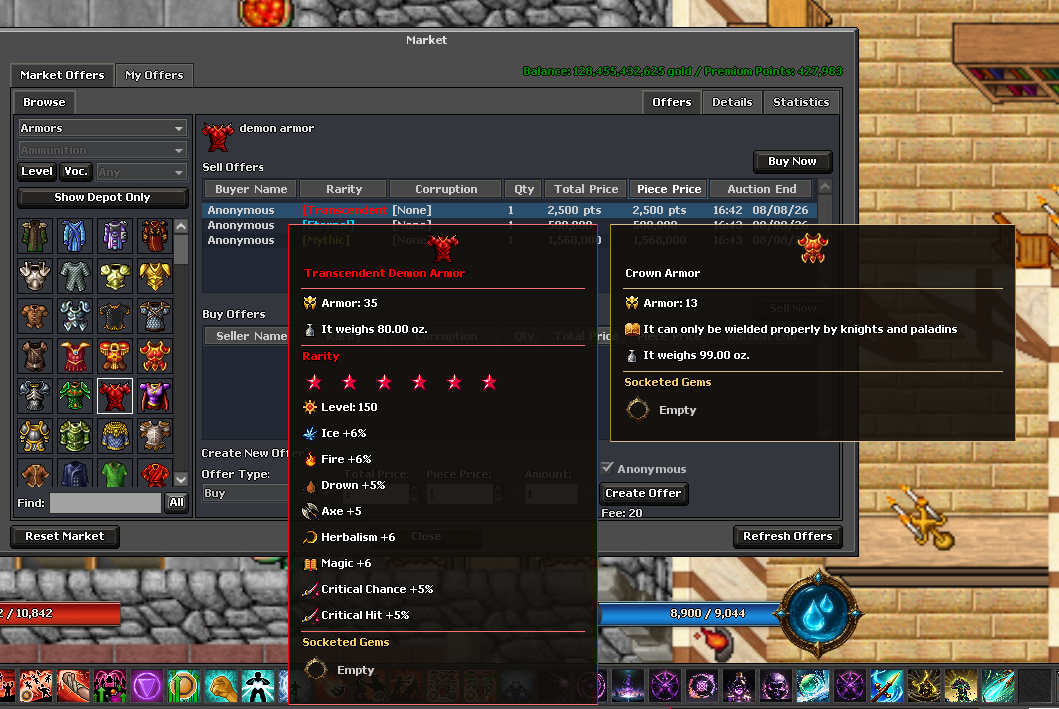
How to get started
- Inspect the item to read both its base statistics and custom bonuses.
- Compare it with your current equipment using the stats that matter for your vocation.
- Check its level and vocation requirements before equipping it.
- Use the Items library for base values and inspect the actual in-game item for its rolled or upgraded bonuses.
Rules & useful details
- A base item page cannot describe every rarity roll, socket combination or upgraded copy.
- Attack, resistance and trigger chance are different measurements; a larger number is not automatically better across different attributes.
- Rarity power level, +upgrade level and Forge tier are separate systems.
Guide based on Beretha's configured systems. Check the current in-game offer or confirmation for the cost and requirements of a specific action.